Interface Overview
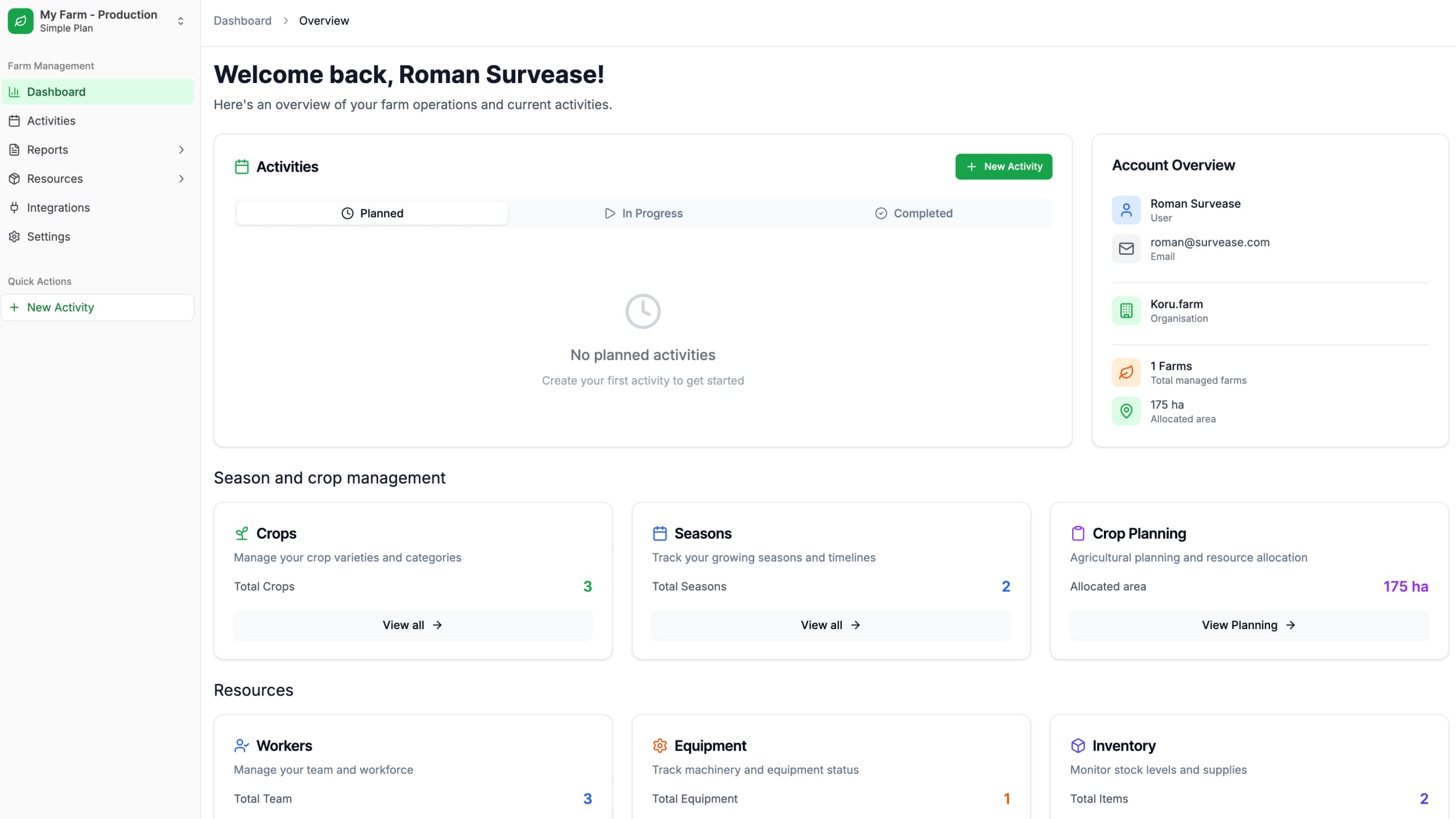
After successfully signing in, you will be redirected to the main page — Dashboard. Here you’ll find all key metrics for your farm and quick access to essential functions.
Dashboard (Main Page)
The Dashboard provides a complete overview of your farm’s status on a single page.
Activity Block
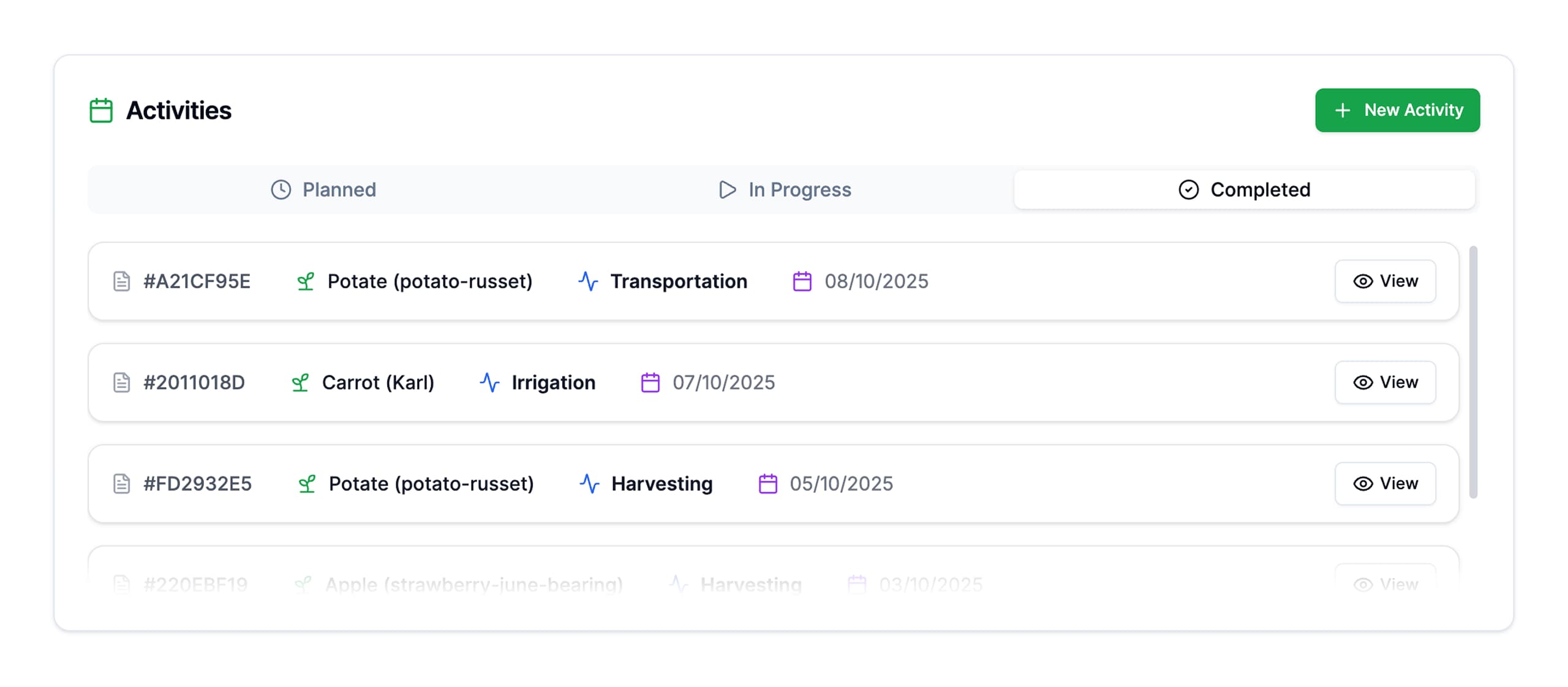
This block displays a list of all activities (tasks) organized by status:
- Planned — scheduled tasks
- In Progress — tasks currently being executed
- Completed — finished tasks
By clicking the Add Activity button, you can quickly create a new activity directly from the main page.
Metrics Blocks
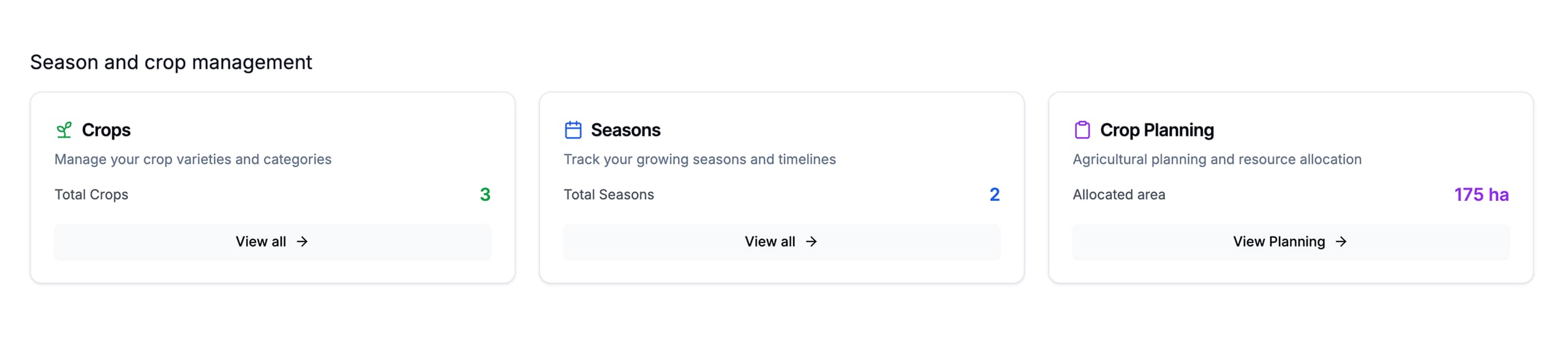
At the bottom of the Dashboard, you’ll find blocks with key metrics:
- Crops — crop information
- Seasons — season data
- Crop Planning — planting schedules
Each block contains quick buttons to navigate to the management of the corresponding data.
Sidebar Navigation
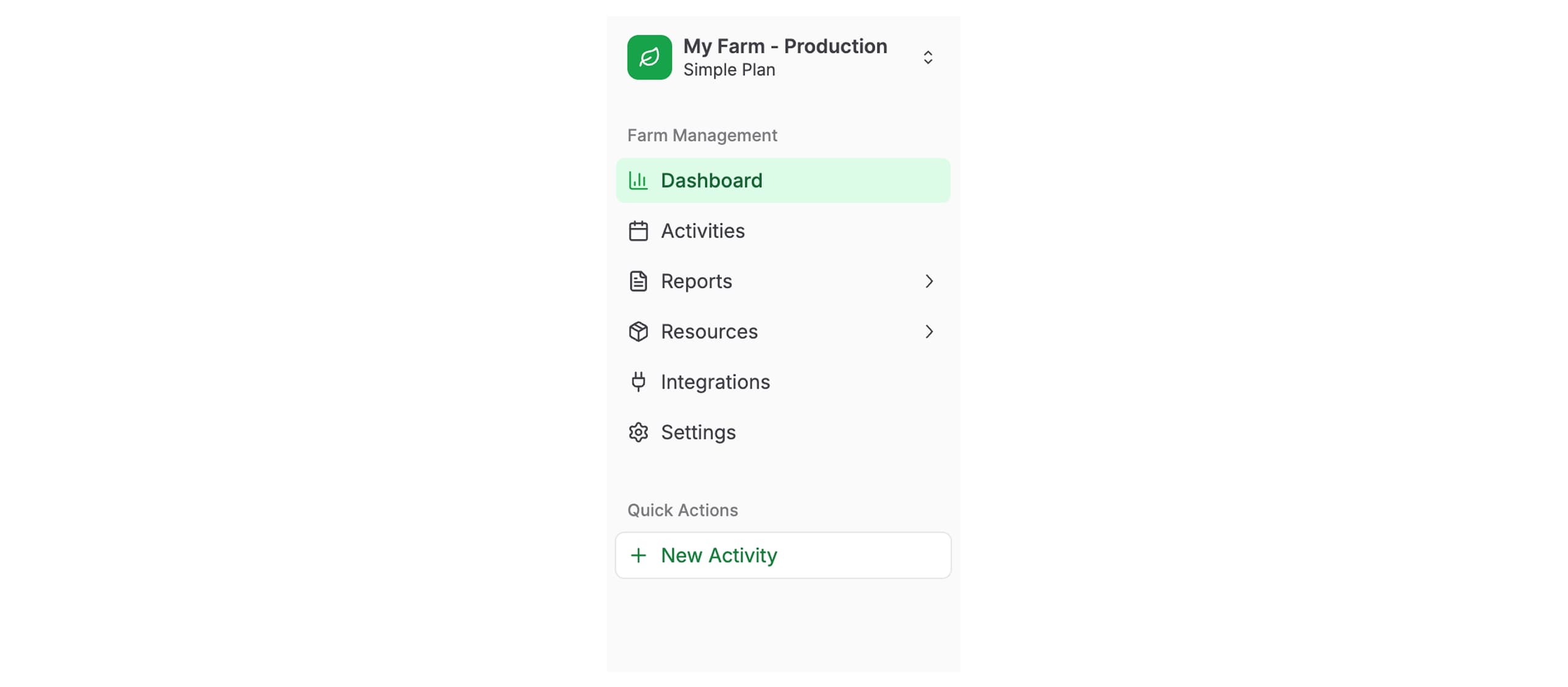
On the left side is the main navigation menu, which provides access to all sections of the system.
Main Menu Sections
| Section | Description |
|---|---|
| Dashboard | Main page with metrics overview |
| Activity | Task and activity management |
| Reports | Reports and analytics |
| Resources | Resource management (farms, zones, crops, etc.) |
| Integrations | External service integration management |
| Settings | System settings |
Quick Activity Creation
A quick button for creating a new activity is available in the sidebar. This allows you to add a new task from any section of the system without navigating to the Activity page.
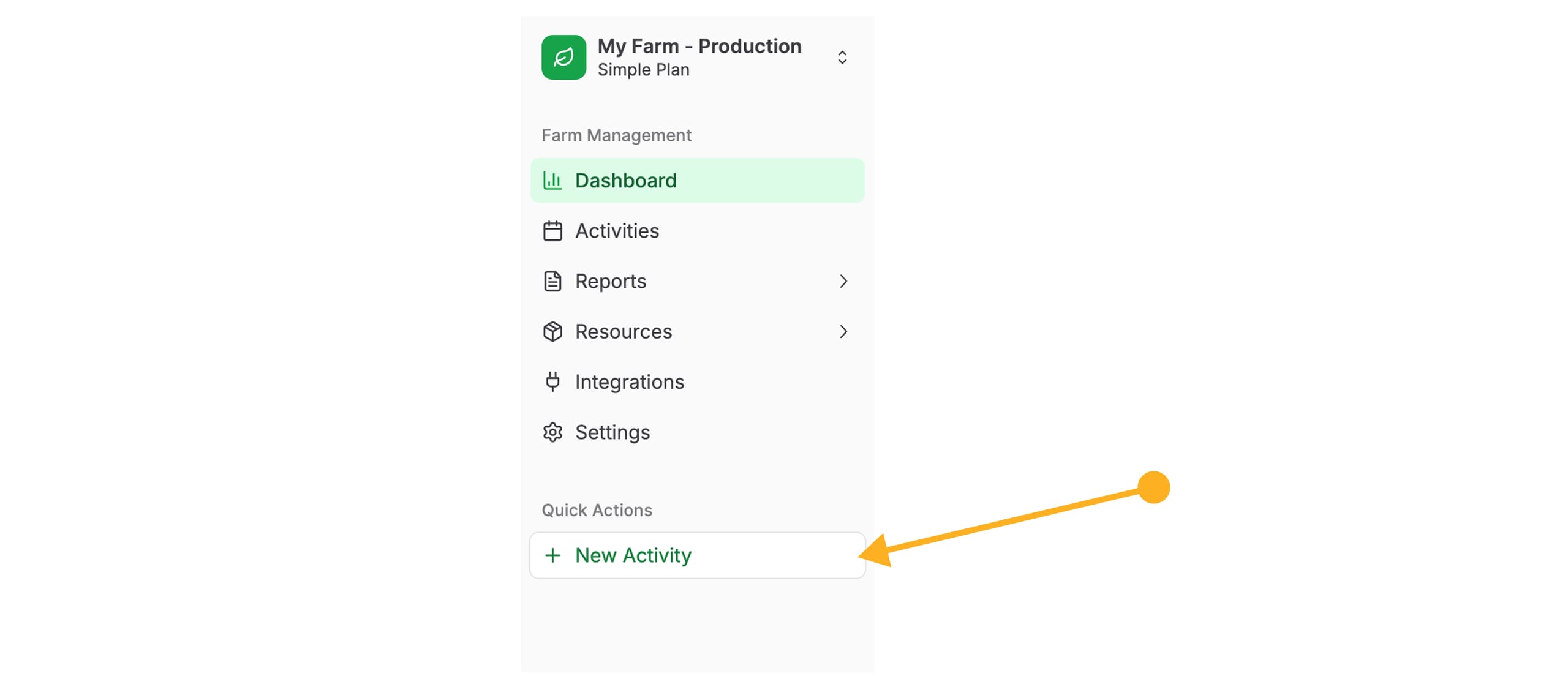
Use the quick activity creation button to save time when adding urgent tasks.
User Profile
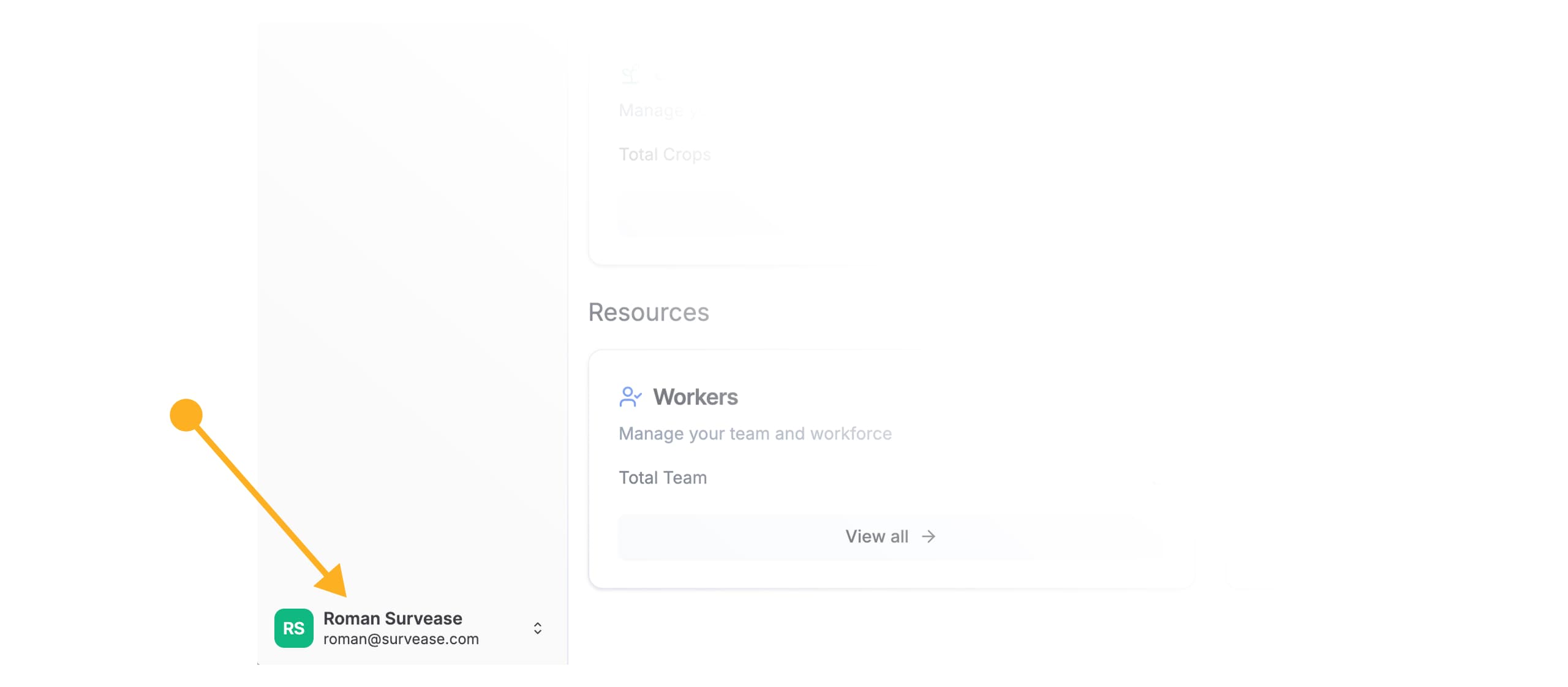
At the bottom of the sidebar, your information is displayed: name and the email address associated with your account.
User Menu
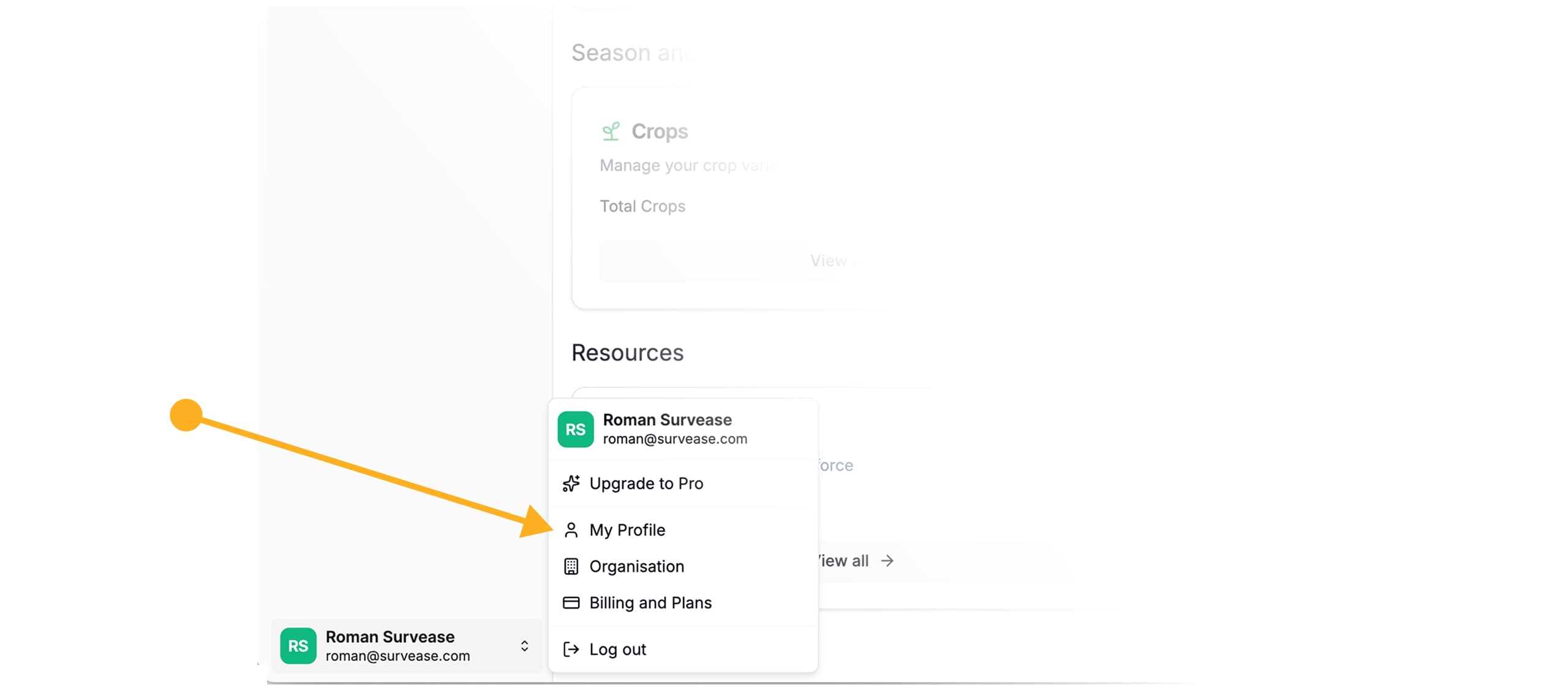
By clicking on your name, you’ll open an additional menu with the following options:
- My Profile — access your profile settings
- Organization — manage organization data
- Billing and Plans — subscription and payment information
- Logout — sign out of the system
Remember to log out (Logout) if you are working on a shared computer.